

Spare phones.Lit pods.Quicker on your feet.
Turn spare phones and tablets into reaction lights for your sport. One device runs the drill, the pods light up, and each response is timed.
Made for your sport
Find a layout for your sport
Choose from 33 court layouts across 20 sports and activities, from squash to gym training. Drag the pods into position to set up your drill.
 01
No special hardware
Use phones you already own as reaction lights, including older devices running iOS 12 or Android 7.
 02
No app to install on pod phones
Scan the QR code with a spare phone to open the pod page and join as a numbered pod.
 03
Timing on each pod
Each pod measures the time from its light cue to your response, reducing the effect of network delays on timing.
Try it now
Test your reaction time
Two quick tests in your browser. Tap the light the moment it turns green, then find out how much time reading an arrow adds.
A browser adds screen and touch delay, so treat these times as a rough guide. In the app, each pod times the response itself. Nothing you do here is saved or sent.
Training benefits
Quicker reactions. Sharper moves.
Make reaction training part of your routine with short, engaging drills. Explore six ways to work on your movement and track your progress.
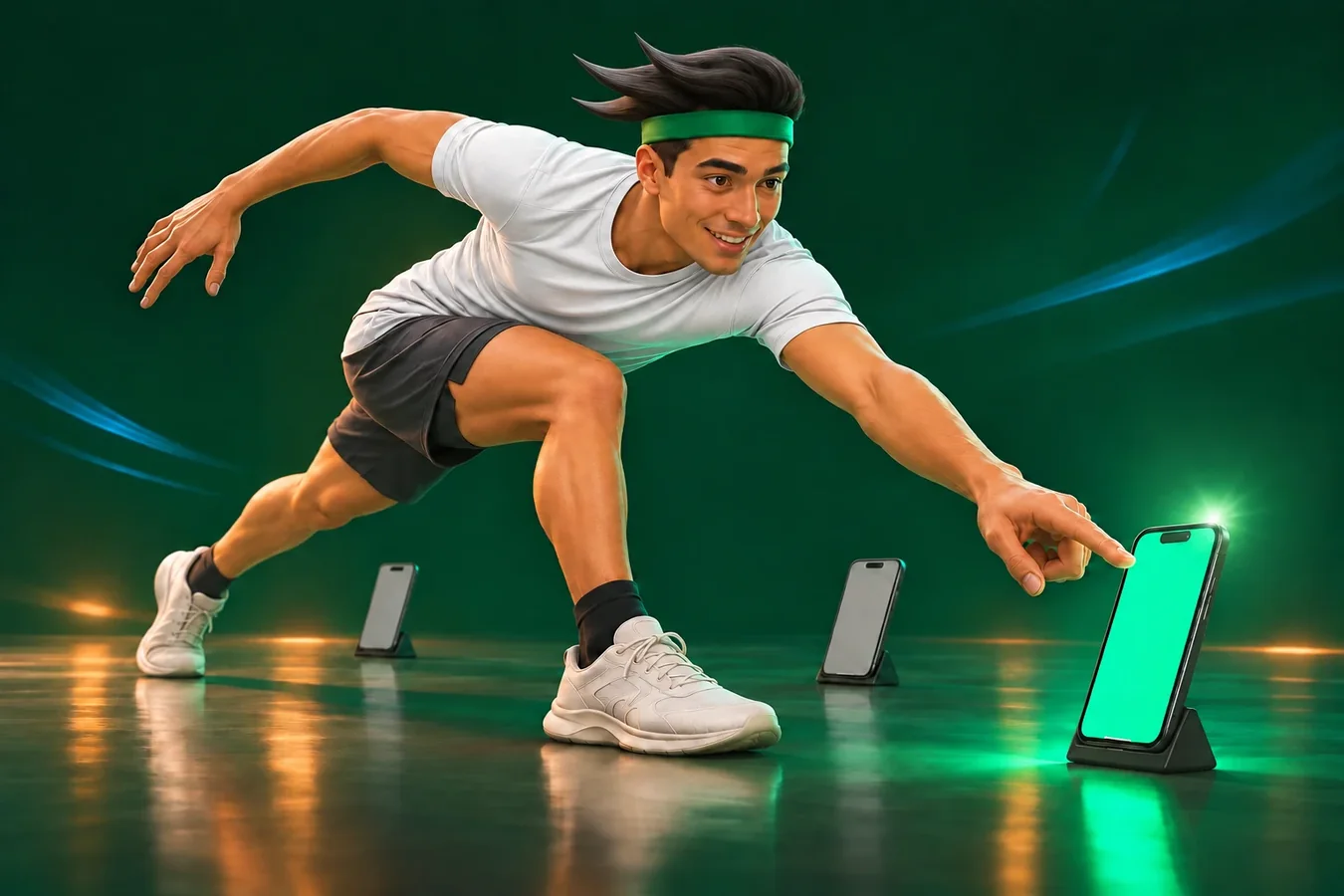
Faster reactions
Practice responding to light cues and track how your response times change.
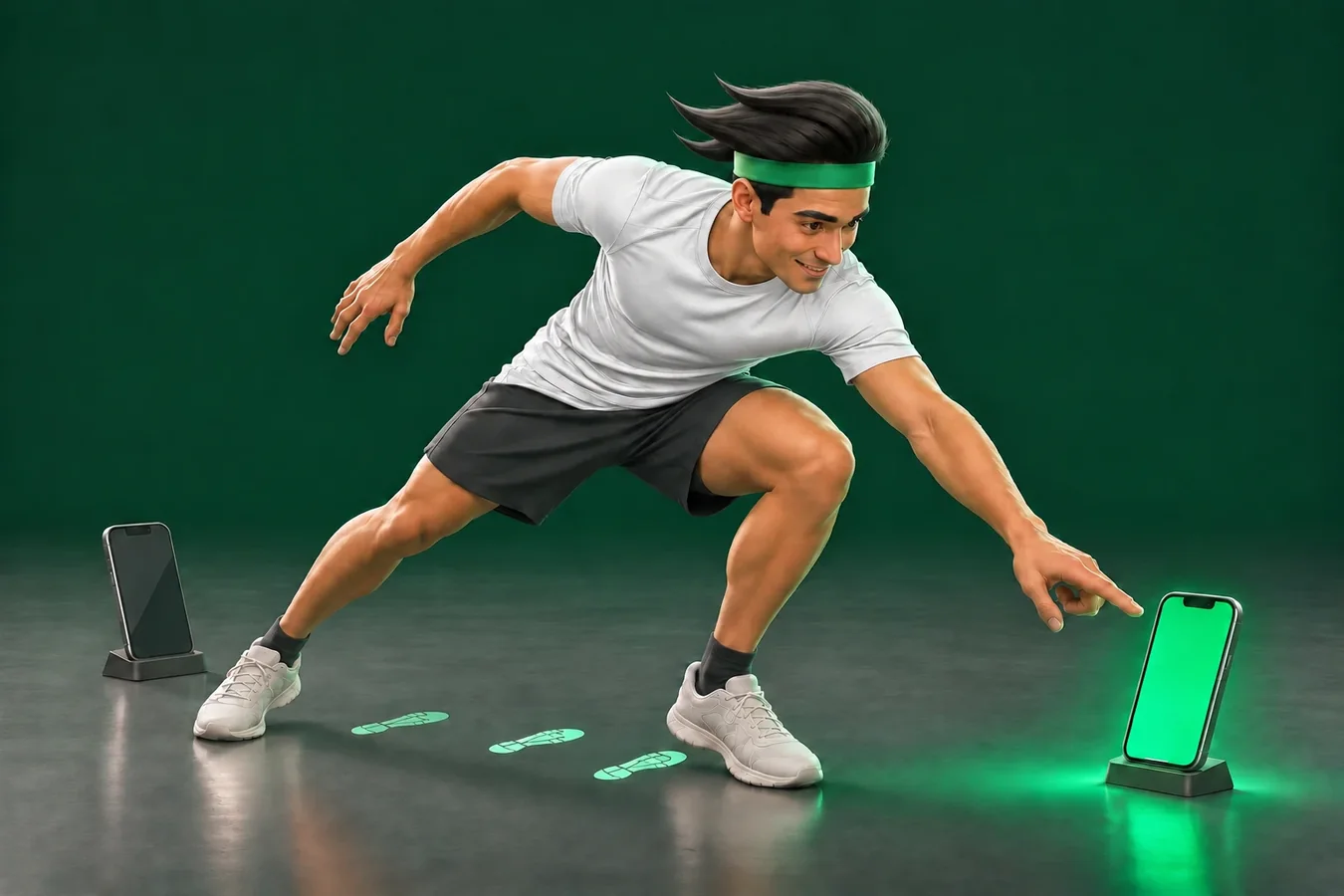
Quicker footwork
Practice quick, controlled steps as you move between targets.
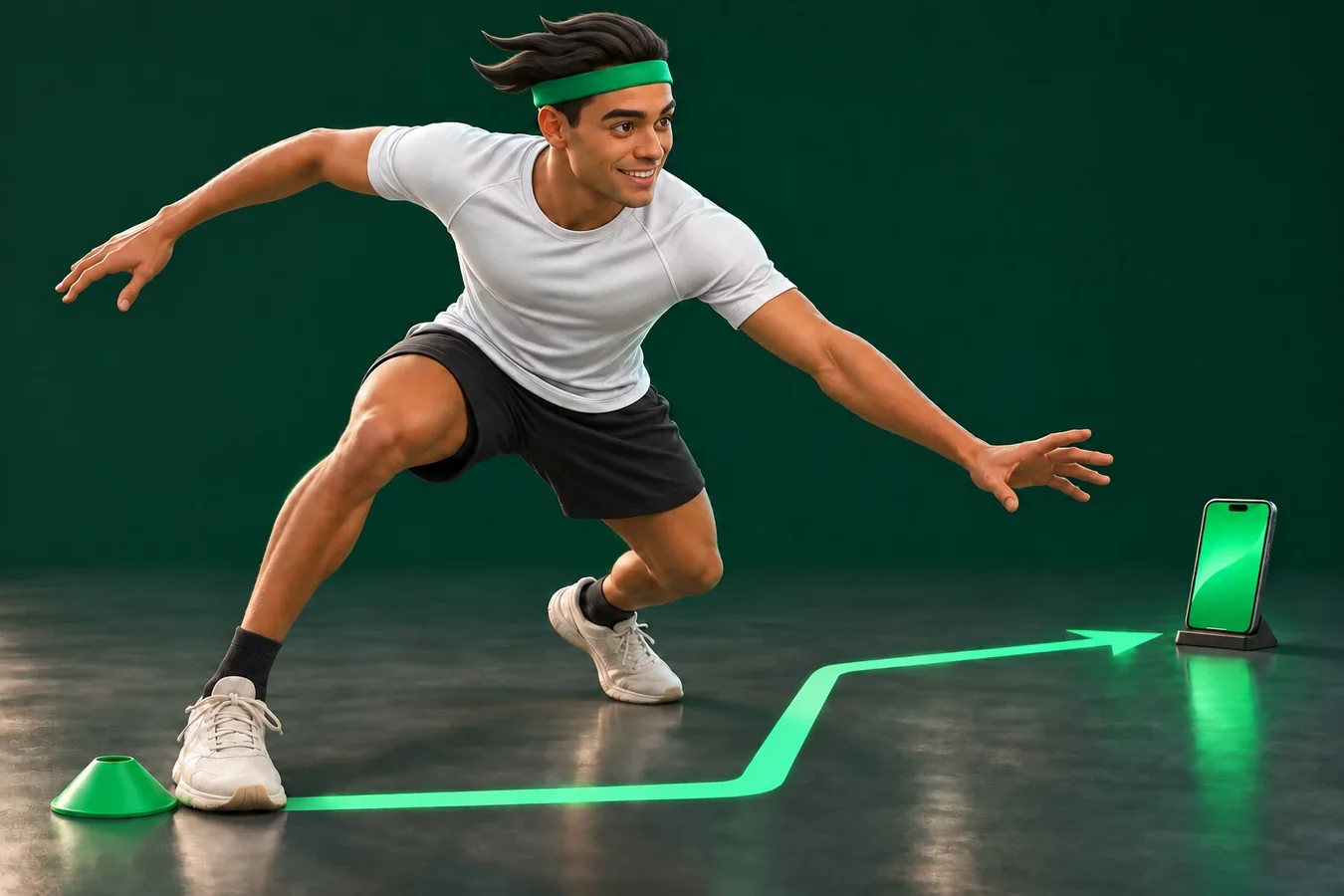
Agility and balance
Practice stopping, changing direction and moving again with control.
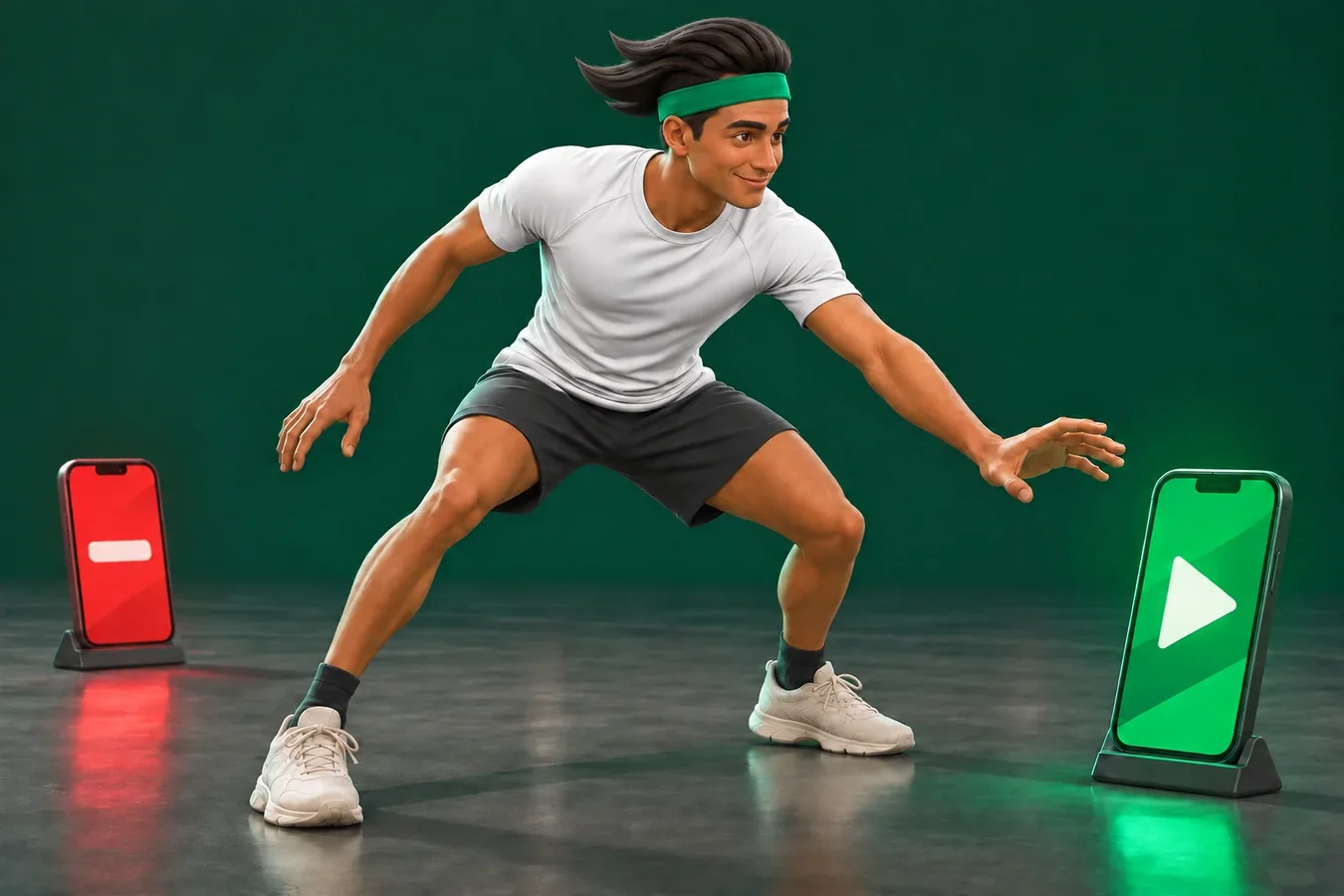
Sharper decisions
Move on green, hold on red. Practice choosing the right response.
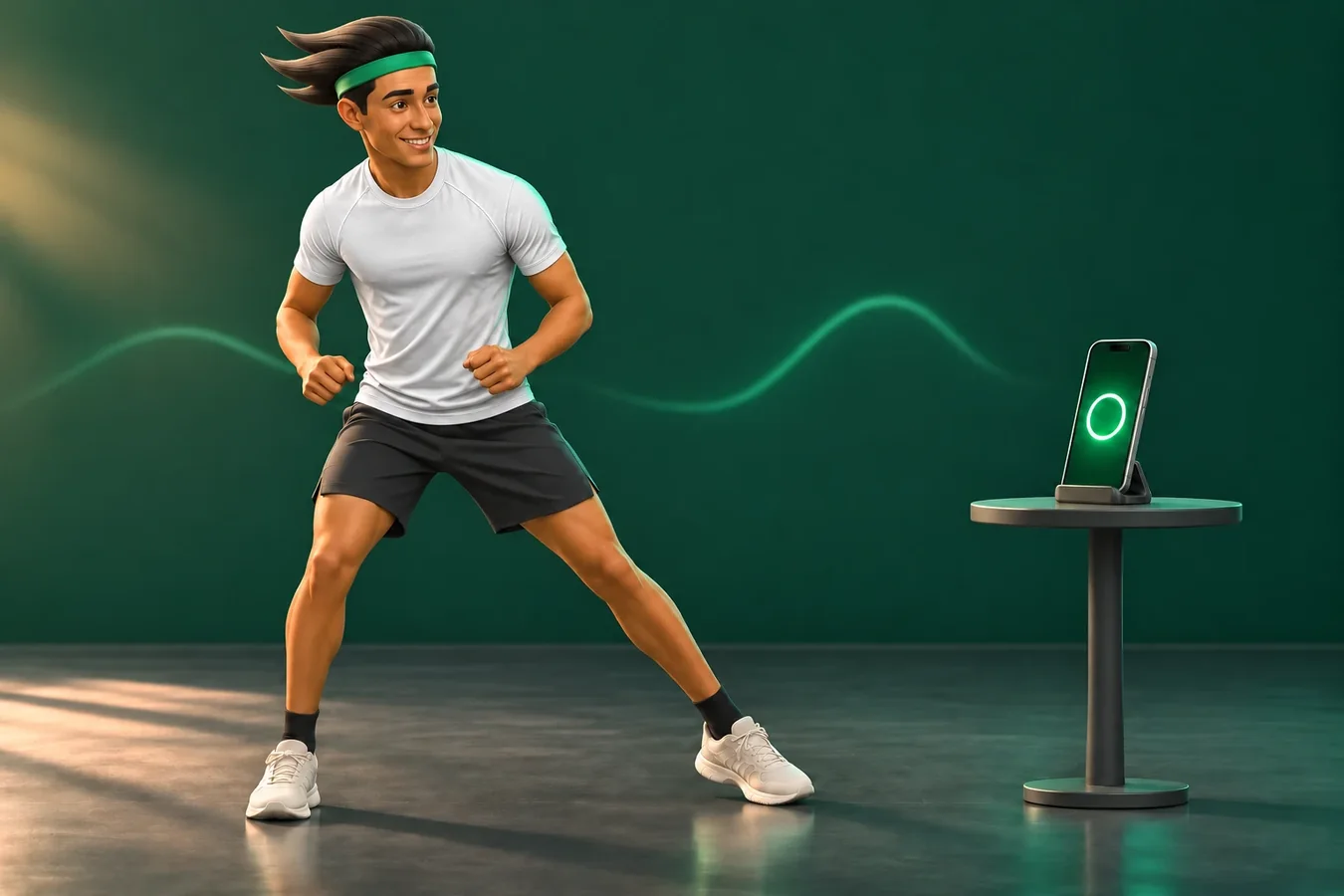
Stay active
Add movement to your day with short, enjoyable drills at a pace that suits you.
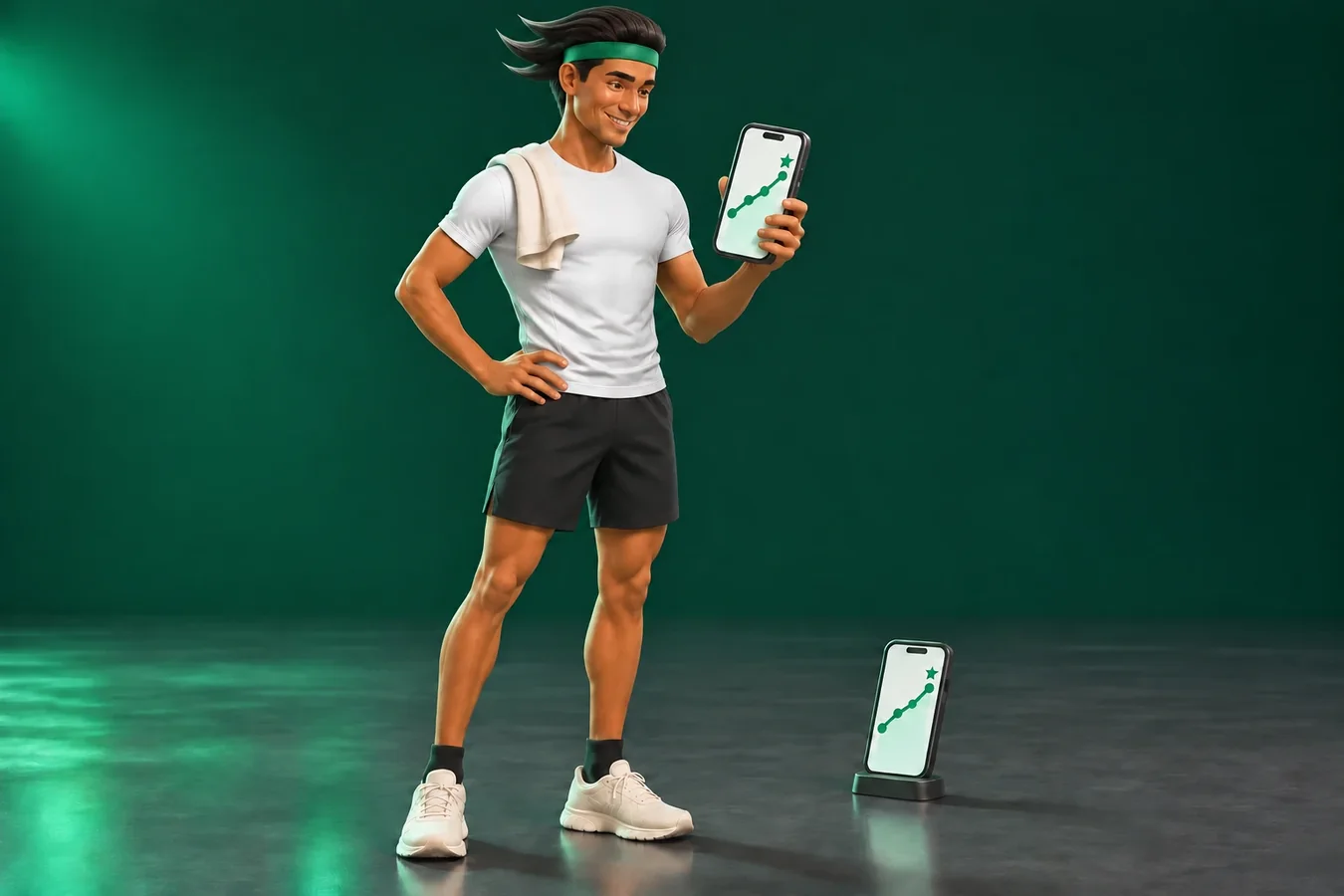
Progress you can see
See your personal bests and performance trends for each drill.
Training in action
Get moving on the court
React to the light with a real movement. Preview a few drills from the library to see how they work in the app.
Drills
11 ways to train · 42 drills · 33 courts
Choose a drill for your sport from the library, or create your own in a few simple steps.
Create your own drill
Choose one of 33 court layouts, position the pods, select a training mode and save your drill. Version history keeps results linked to the setup used for each session.
Touch or wave
Respond by tapping the lit screen or waving a hand or racket over the camera. Camera images are processed on the pod device and are not uploaded.
Results
See progress at a glance
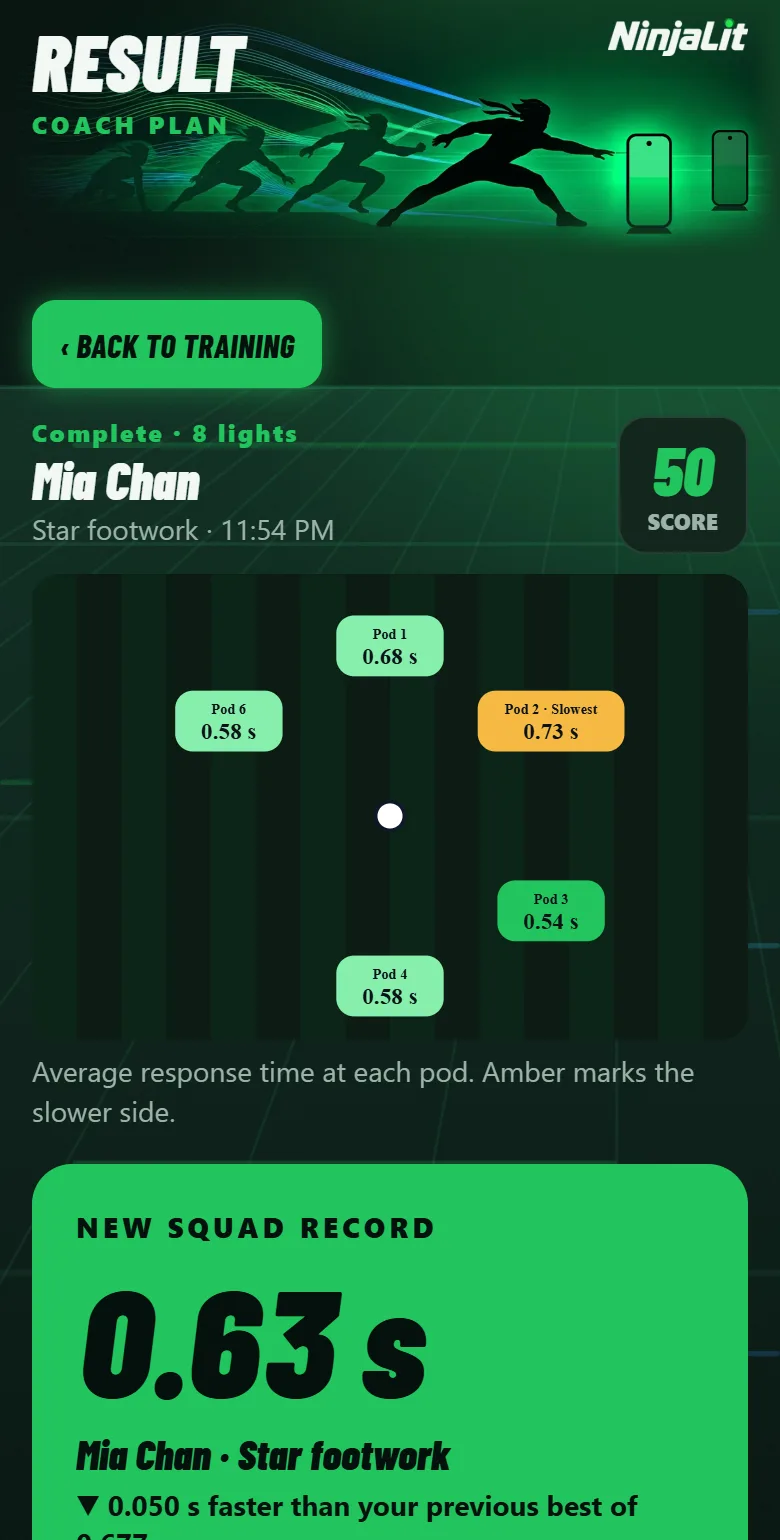
Results are saved to each athlete’s profile. Comparisons use the same drill and response method to help you track progress consistently.
After every drill
Review your score, response time at each pod and which side was slower, with clear feedback such as “Missed 2 of 10 lights.”
Your progress
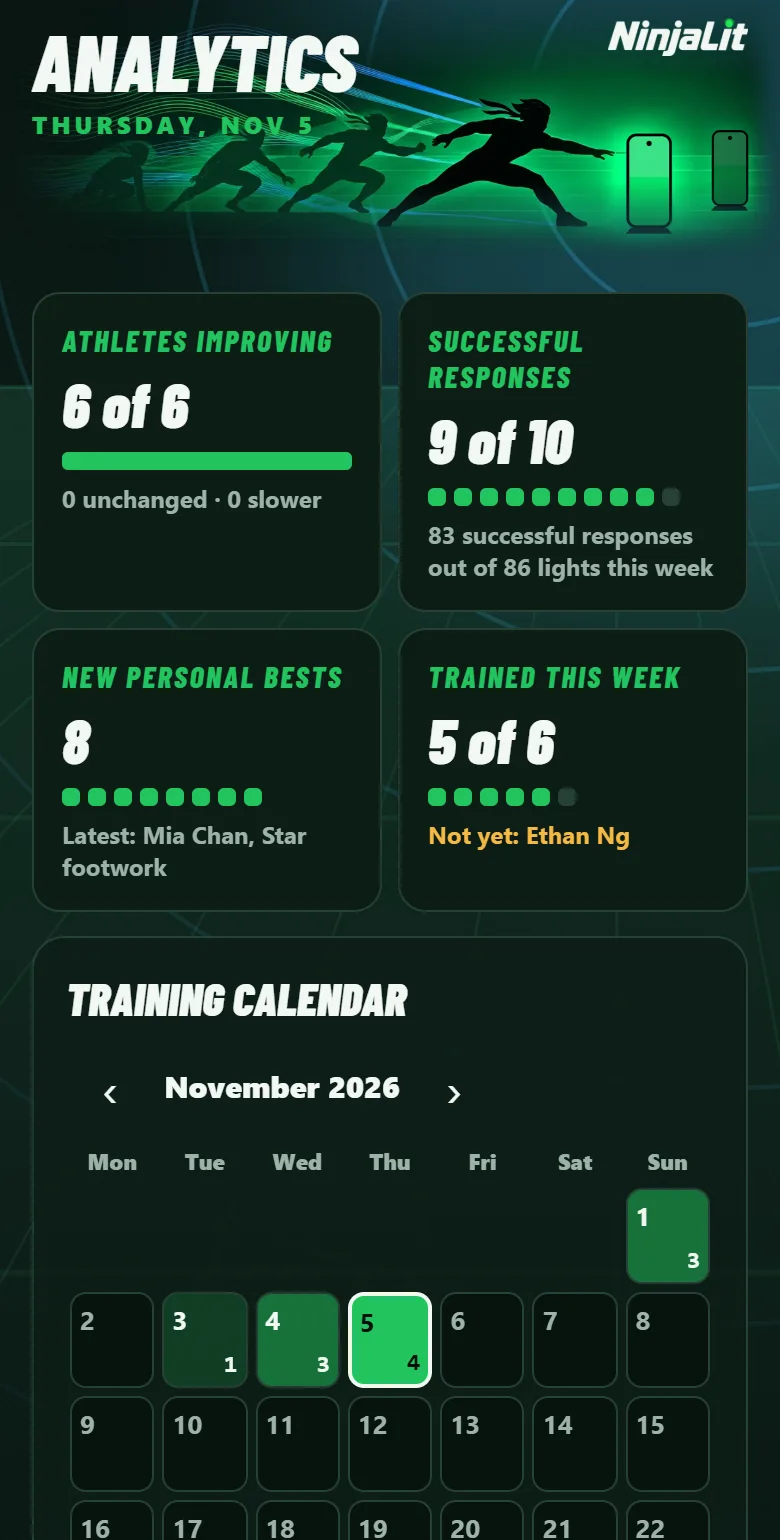
Track personal bests, view your training calendar and follow performance trends for each drill.
For coaches
View weekly team stats, rankings by drill, class or club, and individual athlete reports.
AI training notes
Get a summary, areas to focus on and a suggested plan for next week, based on training data without athlete names.
Who it is for
For teams, classes and solo training
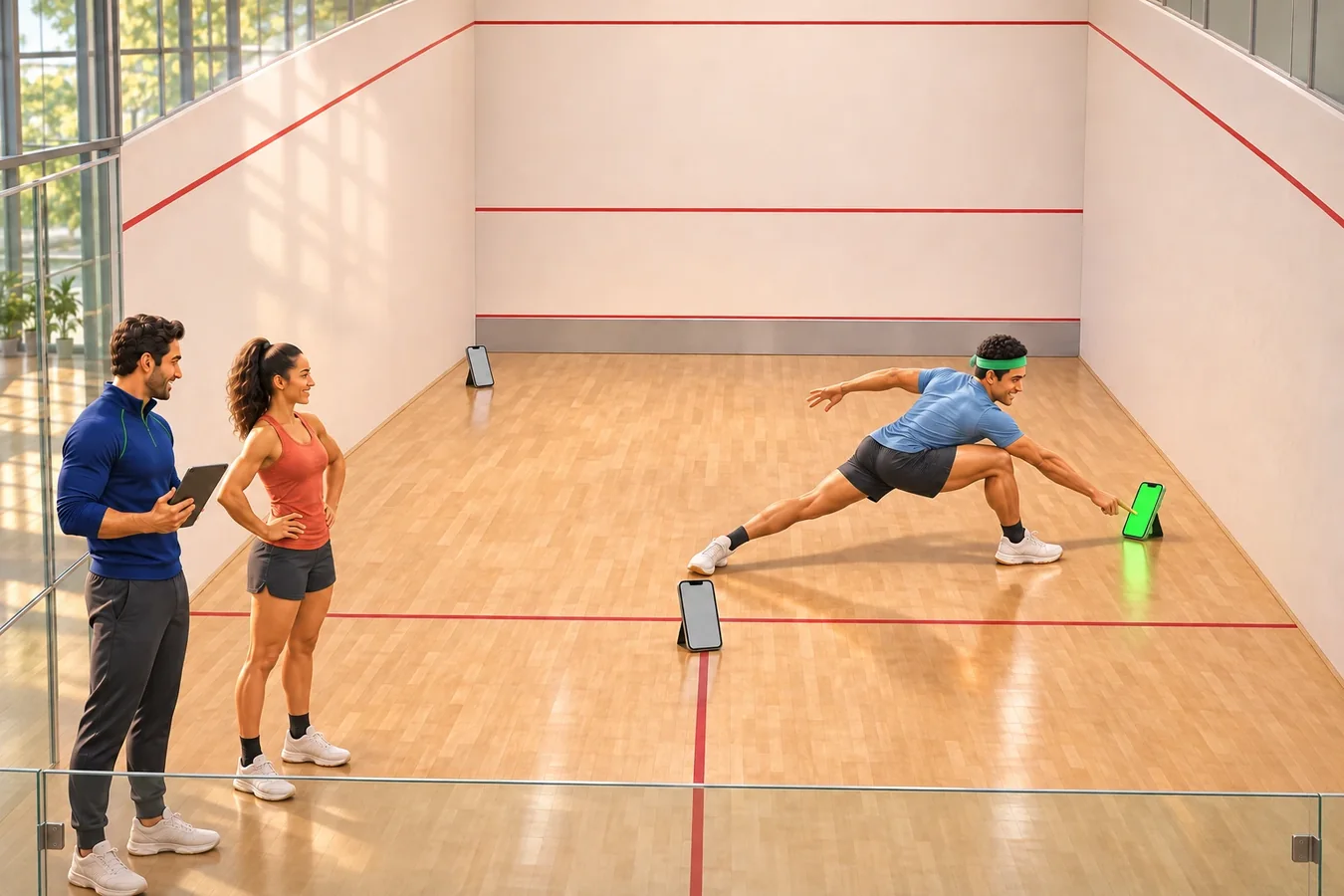
Coaches
Manage team or class sessions with automatic turn-taking. After each drill, the app moves on to the next athlete.
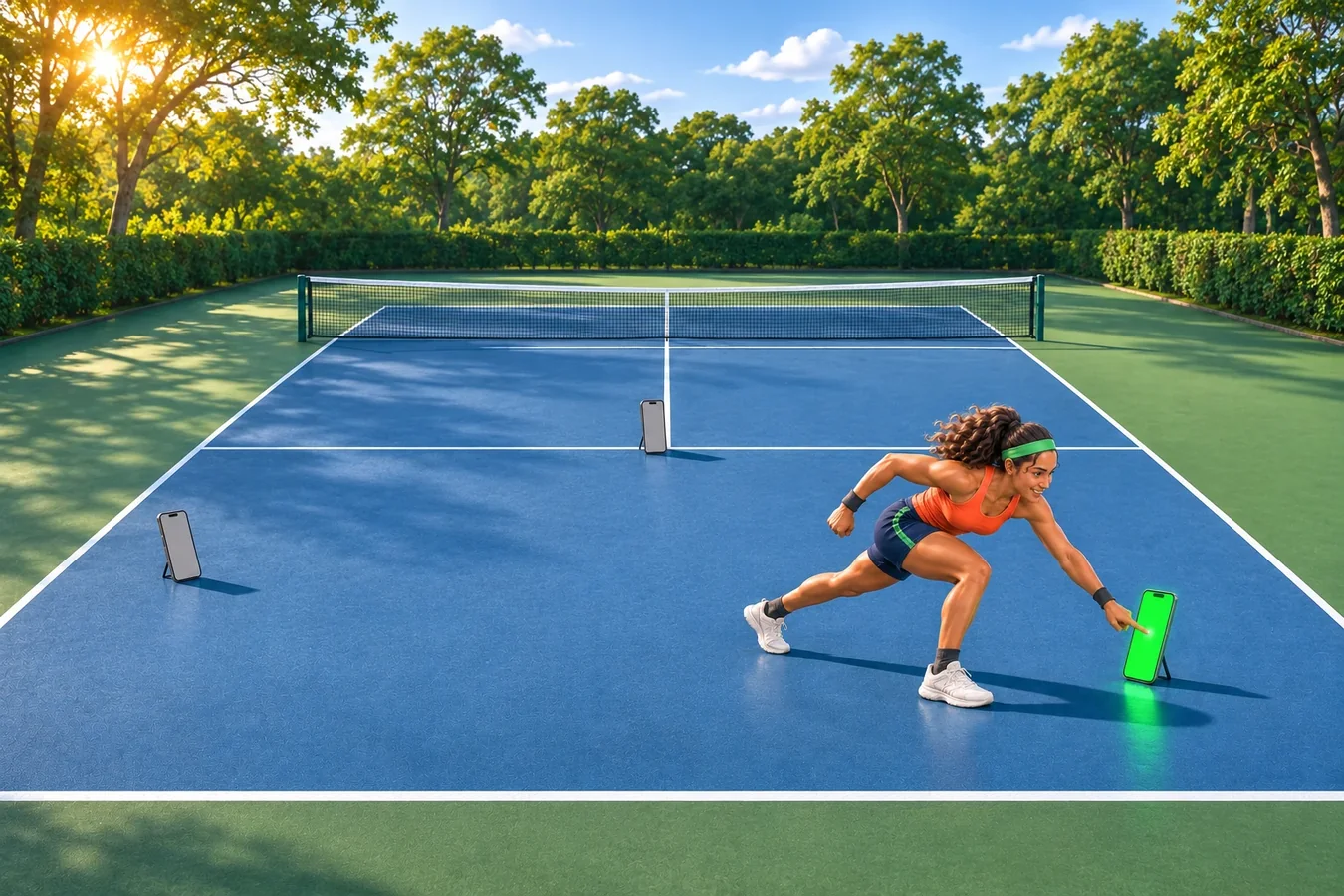
Athletes
Train independently with two or more phones and track your response times over time.
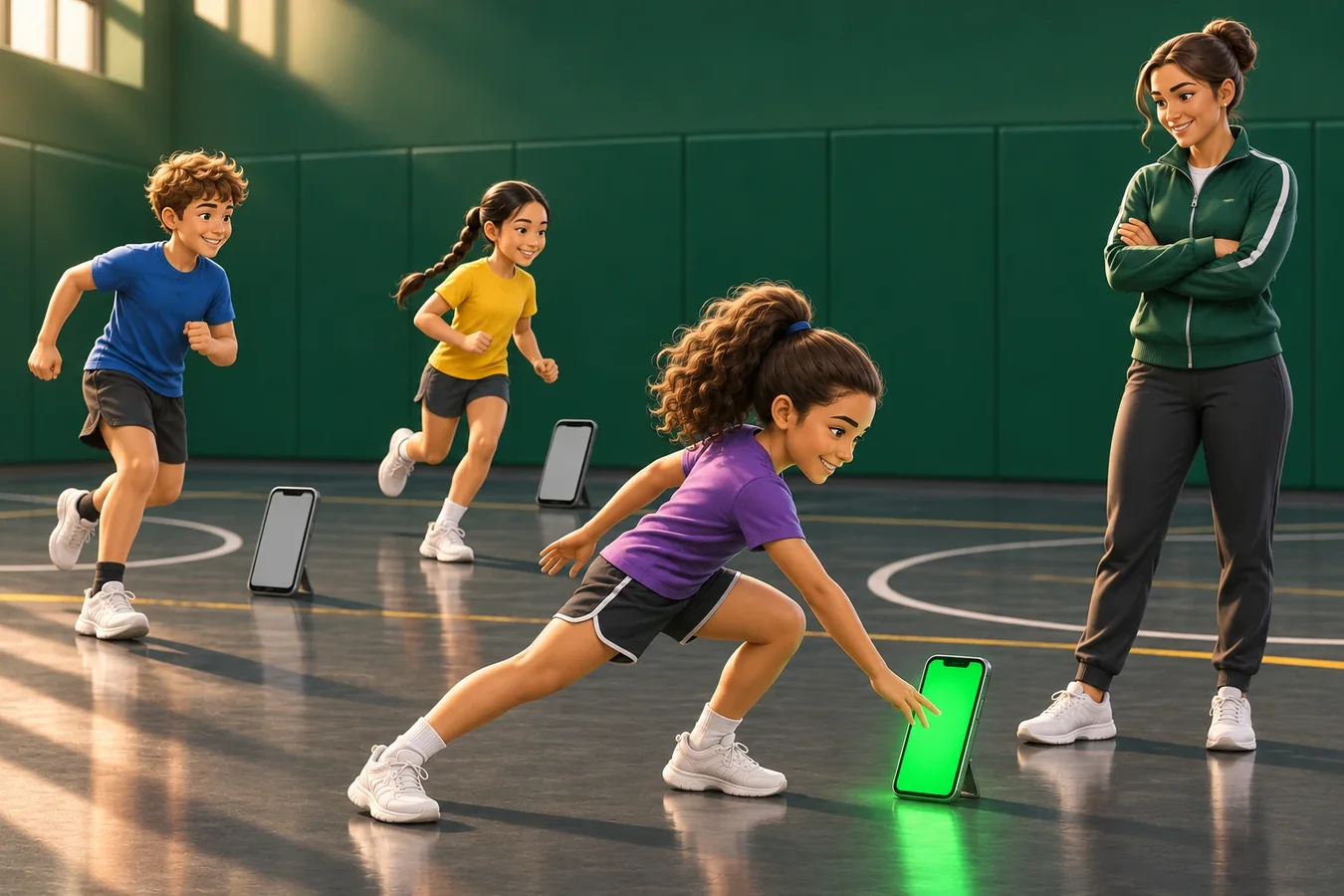
Schools and clubs
Run PE lessons and team sessions using phones your school or club already owns.
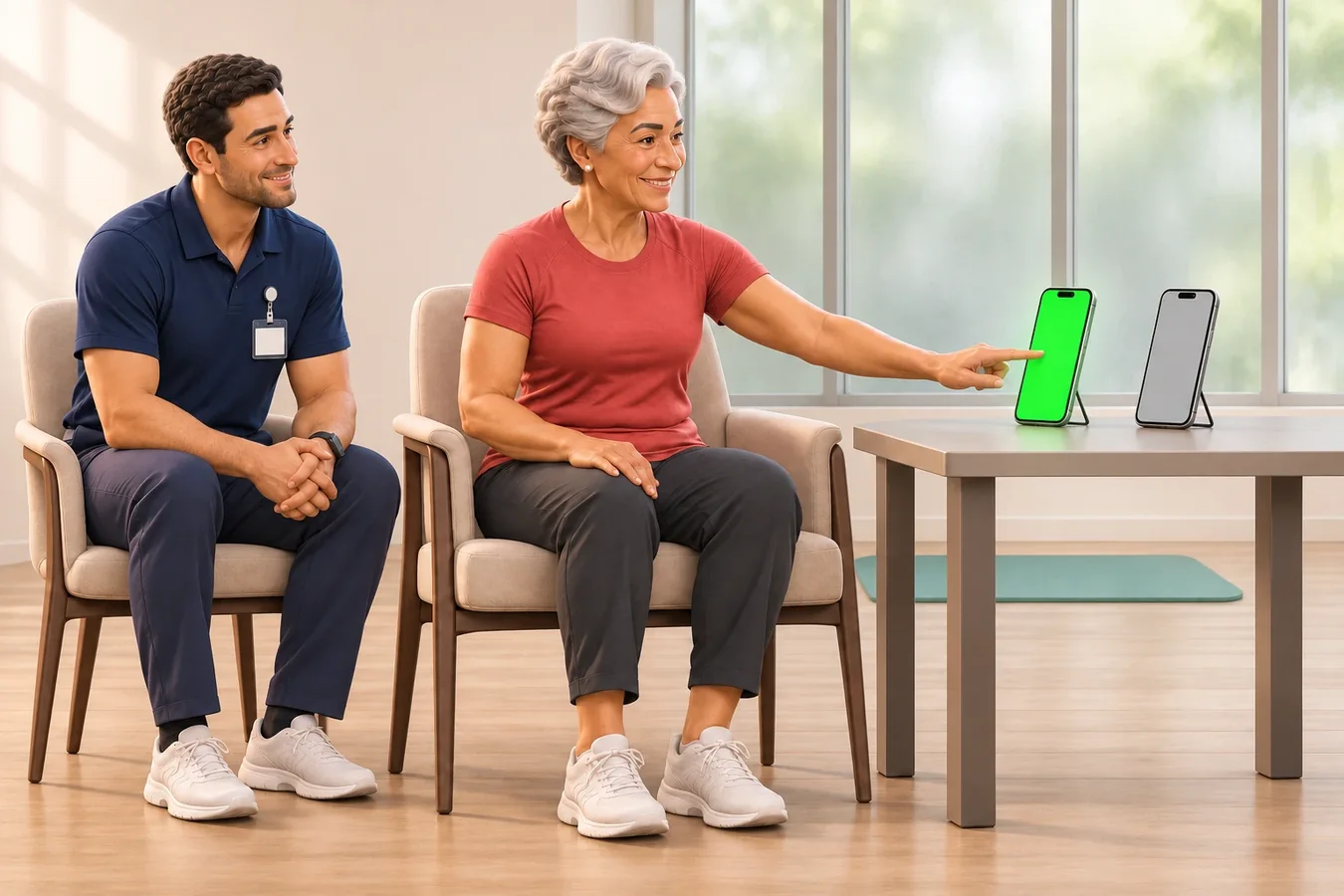
Older adults and rehabilitation
Gentle reaching and stepping drills, with longer light cues and a more relaxed pace.
Plans
Start free, upgrade when you need more
Free
Try reaction training with spare phones
$0forever
No card needed
- Up to 2 pods
- Drills and modes for up to 2 pods
- 1 athlete
- Results from the last 7 days
Athlete
For individual training
$3.33/ month
$59.88 $39.99 billed yearly
Save $19.89 a year
$4.99/ month
Billed monthly
- Up to 6 pods
- All drills and training modes
- Personal bests and progress charts
- Training calendar
- Full training history
- 4 AI training notes per month
or $4.99 monthly
or $39.99 a year (save 33%)
Coach
For coaches training a team or class
$8.25/ month
$155.88 $99 billed yearly
Save $56.88 a year
$12.99/ month
Billed monthly
- Up to 12 pods
- Up to 60 athletes
- Rankings, team stats and training calendar
- Print or share athlete reports
- Two-player races and all training modes
- 100 AI training notes per month
or $12.99 monthly
or $99 a year (save 36%)
Prices in USD. The App Store shows the final price in your local currency. Cancel any time.
Private by design
Athlete records stay on your device
No accounts
No sign-up needed. Athlete names, results and drills are stored on the device running NinjaLit.
Live messages only
Your device and the pods exchange live drill instructions and response times. These messages are not retained as training records.
Camera processing stays on the pod
In Wave mode, camera images are processed on the pod device and are not recorded or uploaded.
AI insights without athlete names
AI training notes use training data, such as times and accuracy, without sending athlete names.
What you need
Put your spare devices to work
One device running NinjaLit
This runs the drills and keeps the results.
At least one spare phone or tablet
Each spare device becomes a pod. It needs a web browser and iOS 12 or later, or Android 7 or later.
Wi-Fi or mobile data
Every device needs an internet connection, but they do not have to share the same network.
Questions
Frequently asked questions
Do the pods need the app?
No. Scan the QR code with a spare phone to open the pod page in its browser. Only the device controlling the drill needs NinjaLit installed.
How does timing work?
Each pod starts a local timer with the light cue and stops it when it detects a response. Times are displayed to 0.01 seconds; this is display precision, not a guarantee of measurement accuracy.
How many pods can I use?
Use up to 2 pods on Free, 6 on Athlete and 12 on Coach. Many drills need only 2 pods.
Can I run a session for a whole class?
Yes, with the Coach plan. Create a group and the app automatically moves to the next athlete after each drill.
Does it work for my sport?
The drill library covers 11 sports plus general training. You can also create your own drills using 33 layouts, from squash courts to classrooms.
Where can I get it?
NinjaLit is on the App Store for iPhone and iPad, free to download. The phones you use as pods need no app: they join by scanning a QR code.