
DIY reaction lights: turn old phones into a reaction training set
Updated 7 November 2026 · 4 min read
You can build a reaction light set from phones and tablets you already own. One device runs the drill and keeps the results; every spare phone opens a pod page in its web browser and becomes a light that turns on, waits for a touch or a wave and times the response. Two pods are enough to start; six cover most footwork drills.
Dedicated reaction light kits are great, but a set usually costs hundreds of dollars, which is why many clubs and most schools never buy one. Meanwhile, almost every household and school has a drawer of old phones that still turn on. Here is how to turn those into a working reaction training set, and what to expect from it.
What a reaction light does
A reaction light, or pod, is a small target that lights up at an unpredictable moment. The athlete moves to it and touches it, and the time from the light to the touch is recorded. Drills chain many lights together: random order, go / no-go colours, sequences to remember, sprints between pods. The value is that the athlete reacts to a signal instead of a pattern they already know, which is closer to what happens in a game.
A phone already has everything a pod needs: a bright screen to show the cue, a touch screen to detect the response, a camera that can notice a hand or racket passing over it, and a clock to time it all.
What you need
- One controlling device. An iPhone or iPad running a reaction training app. It runs the drill, decides which pod lights next and saves each athlete's results.
- One or more spare phones or tablets as pods. They only need a web browser. With NinjaLit, pods work on iOS 12 or later and Android 7 or later, so devices that no longer get app updates still count.
- An internet connection on every device. Wi-Fi or mobile data; the devices do not have to share the same network.
- A way to hold the pods. Flat on the floor, on a cone, a bench, a table or a wall mount. A cheap phone stand or kickstand case keeps the screen facing the athlete.
Charge the pods before a session and turn the screen brightness up. Old batteries drain faster, so a short USB lead nearby helps for longer sessions.
Setting it up in a few minutes
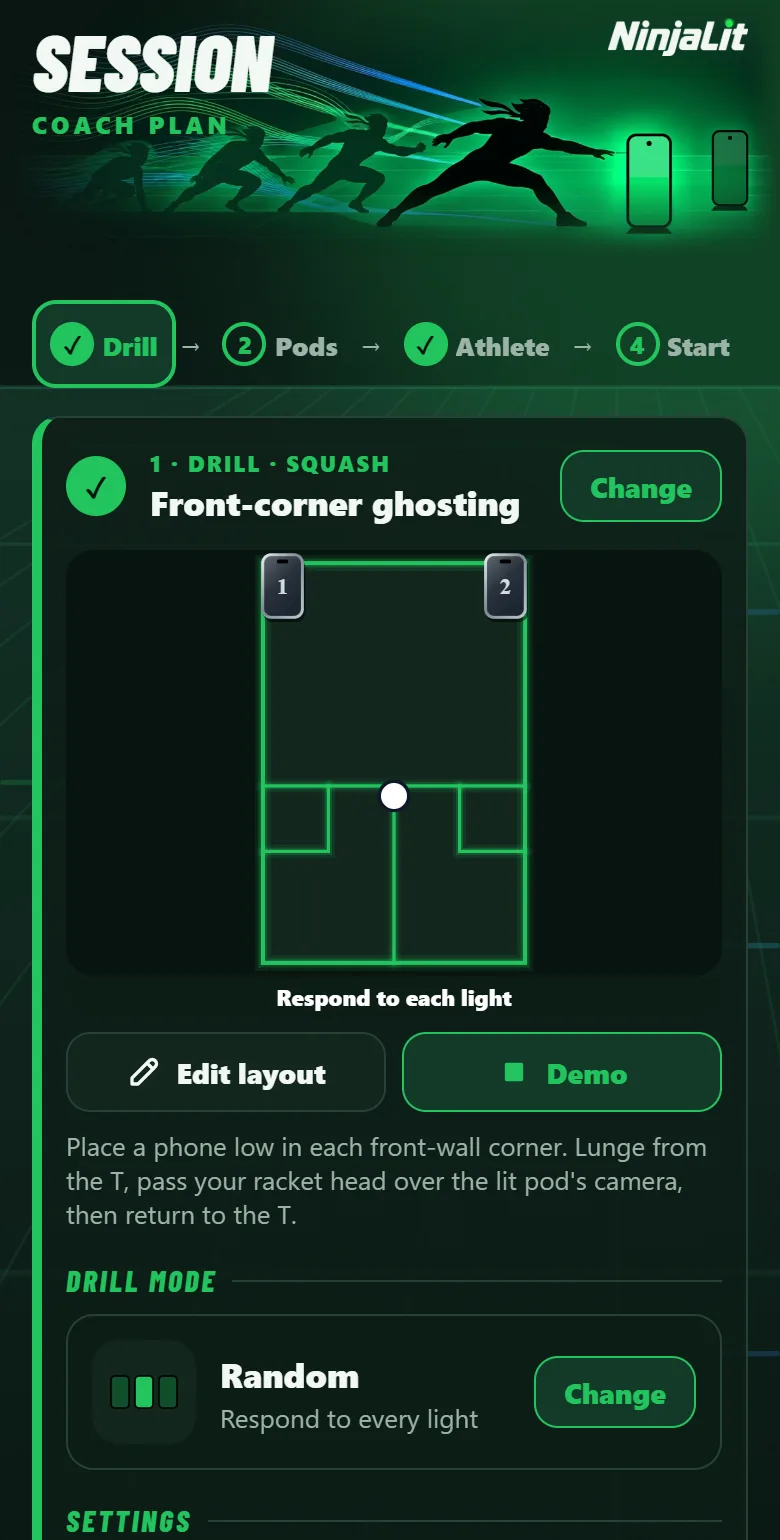
- Choose a drill on the controlling device: from the library for your sport, or a court layout you build yourself.
- Pair the pods. Each spare phone scans the QR code shown on the controlling device, opens the pod page in its browser and joins as Pod 1, Pod 2 and so on. No app is installed on the pods and no account is created.
- Place the pods where the drill's court layout shows them, facing where the athlete will come from.
- Choose how the athlete answers: touch the screen, or wave a hand or racket over the camera, which is gentler on old screens and works for drills where touching the floor is awkward.
- Press Start. A pod lights, the athlete gets to it, the next one lights at a random moment, and the results appear the moment the drill ends.
How accurate is phone timing?
Sending a "light up now" message over the internet takes a variable amount of time, so timing on the controlling device would add network delay to every result. A better design starts the timer on the pod itself, at the moment its screen lights, and stops it on the same pod when it detects the touch or wave. Network delay then only affects when the light appears, not the measured time.
Times are shown to the hundredth of a second, but treat that as display precision. Screen refresh, touch sampling and camera frame rate all add small, device-specific delays. Compare an athlete's times on the same drill and the same devices, and look at trends over weeks rather than a single number.
How many pods do you need?
| Pods | Good for |
|---|---|
| 2 | Left / right reactions, go / no-go, goalkeeper dives, table reaching |
| 4 | Four-corner footwork, shuffles, colour direction drills |
| 6 | Squash and badminton six-corner footwork, star patterns, most court drills |
| 8 to 12 | Larger areas, team stations, two-player races, a class rotating through |
Start with what you have. Many useful drills need only two lights, and every extra phone you find adds more options.
Safety and care
Phones on the floor get stepped on. Put pods where the athlete reaches with a hand or racket rather than a foot, use the wave answer for fast drills, and keep cases on. Clear the floor around each pod, warm up before fast drills, and keep sessions short so reaction speed, not fatigue, is what you are training.
Common questions
Do the pod phones need an app?
Not with NinjaLit. A pod phone scans a QR code and opens the pod page in its web browser. Only the device that controls the drill has the app.
Can I use Android phones as pods?
Yes. Pods run in the browser, so Android 7 or later works, as does iOS 12 or later. The controlling device is an iPhone or iPad.
Do all the devices have to be on the same Wi-Fi?
No. Every device needs an internet connection, but they can use different Wi-Fi networks or mobile data.
Is it as good as a dedicated light kit?
Dedicated kits are tougher, brighter outdoors and built to be hit. Phones cost nothing extra and are plenty for indoor training, PE lessons and home practice. Many coaches start with phones and decide later whether they need hardware.